Website Data Backups with Version Control

I’ve been tasked with revamping the backup strategy at my new job, and I think I am finally happy with what I’ve come up with. As usual, I’m wondering what others have done when they were tackling such a task, and what you, dear reader, think about my setup. Please leave me a comment if you want to share your thoughts, or links to articles you’ve read that relate to anything discussed here (along with a short description of how it relates).

With websites, it appears there are three distinct data components that require backups: Code, content files, and the database. If you implement a well-thought-out version control setup, you can keep only one backup of the current repository, since it in itself contains all the revisions.

  • Code only ever changes when the developer makes an update, and always changes on the development server (I swear!). The developer commits his changes to version control manually, and then uses a deployment automation tool to publish the changes to the production server.
  • With content files and the database, the changes are mainly done on the production server, and since we are not going to ask the user to commit to our version control system, this should be automated, either at intervals, like daily – or if it is plausible – just-in-time, directly triggered through the CMS when content is added.)

With incremental backups to Amazon S3, we used to pay about $1/month for this service at the medium-size call centre I used to work at, so that part should be fairly inexpensive, but the overall cost of this setup is significantly higher if you are paying for a hosted VCS.

Again, I would really appreciate your thoughts on this, and links to articles written based on what others have learned from experience in this area. Thanks for reading!

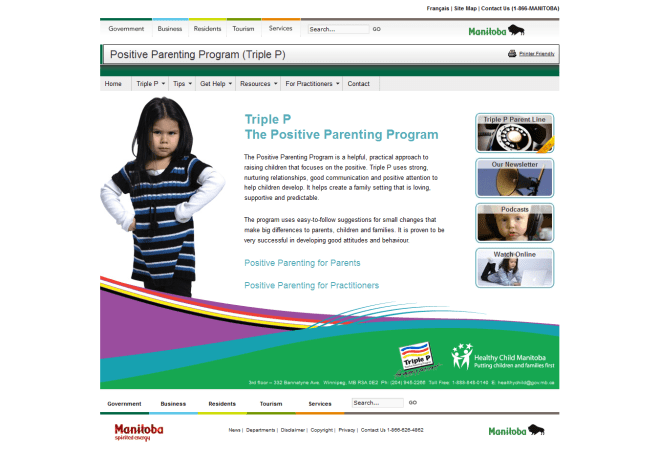
Manitoba Triple P – Positive Parenting Program

I certainly enjoyed reading their content, and recommend for everyone to spend a little bit of time learning about the Positive Parenting Program.

Designer:
Chris Savoie
Plugins:
WPML, Grunion Contact Form, Widget Logic, JW Player Plugin for WordPress
Project URL:
http://manitobatriplep.ca

Caffeine Cam’s Coffee and Candy Company

The Caffeine Cam website is focused on selling Canadian candy and snacks to the states. It required a custom shipping calculation module, supporting fedex and USPS.

Yummy, yummy…

Designer:
Chris Savoie
Project URL:
http://www.caffeinecam.com/home

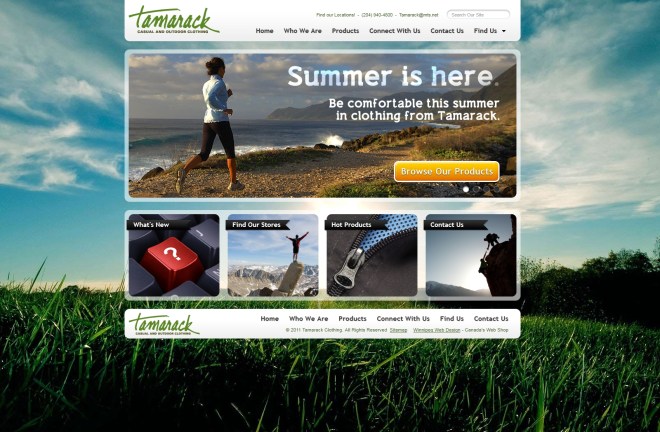
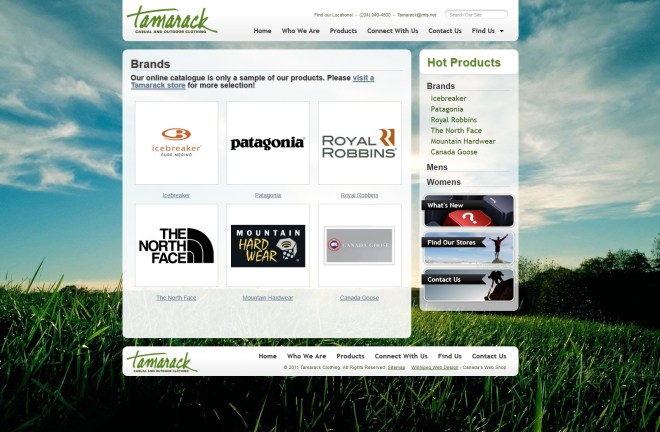
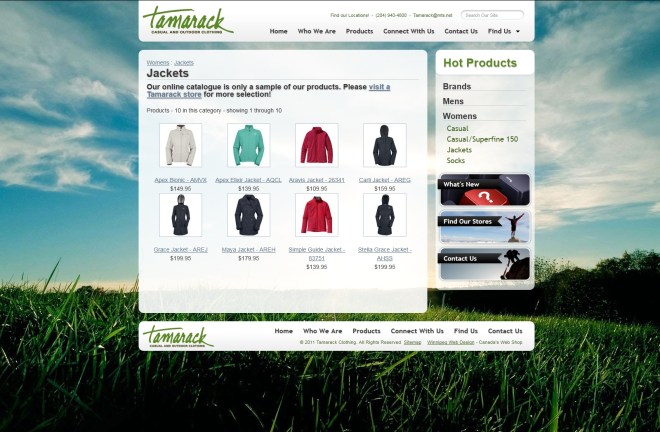
Tamarack Clothing eStore

This is an eStore for a Winnipeg clothing store.

A fun little bit that I discovered during the creation of this website is that you can give your links an underline with a color different than the font color itself (see primary navigation in the header), by giving the <a> tag a border-bottom instead of a text-decoration: underline;. The idea actually came from the implementation of the theme on this website, which uses the same technique.

Designer:
Chris Savoie
Project URL:
http://www.tamarackclothing.com/home

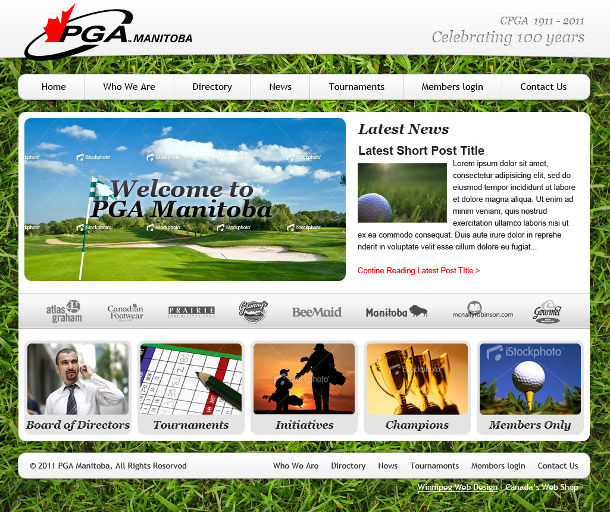
PGA Manitoba

Gallery

Highlights

The two highlights of this project for me were the several tricks for cutting out the images from a PSD file I learned, and the 2 user interfaces I created for the Member directory listing and the club directory listing.

The HTML & CSS were fun to create because I learned a few new tricks for cutting out the images out of the PSD file:

  1. If you select a wider area around an image, if there is nothing else other than that image in the selection Photoshop only selects the image. This helps with not having to exactly select the pixels you need, which makes things slightly faster
  2. If you copy a layer over to a new file, if the effects applied to the layer are not copied over, you can right click on the original layer and select “copy layer style” then paste it over into the layer in the new file.
  3. To select a layer exactly, you can first select the selection tool, then hold down ctrl and click on the image representing the layer in the layer browser on the right. Then you can easily cut it out to get the image to use in the CSS.

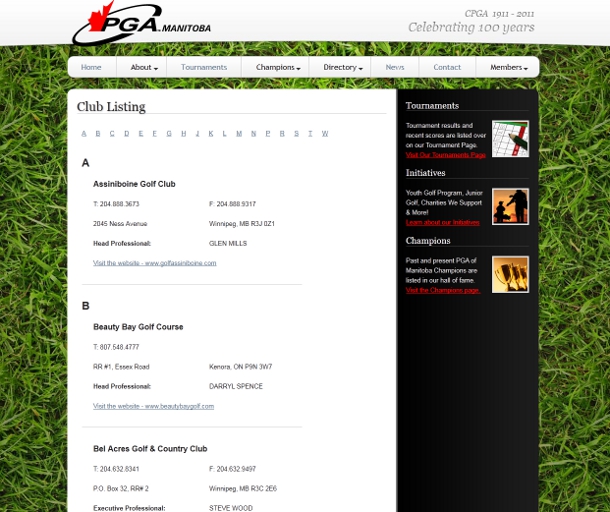
The Club directory listing is alphabetically ordered, and there are two methods used that make it easier to find what you are looking for:

  1. On the top of the list, there is a “table of contents” – a list of links to the first letter of the club name.
  2. Along the left side of the page, the first letter of the club name is shown in large letters above the first club with any given initial.

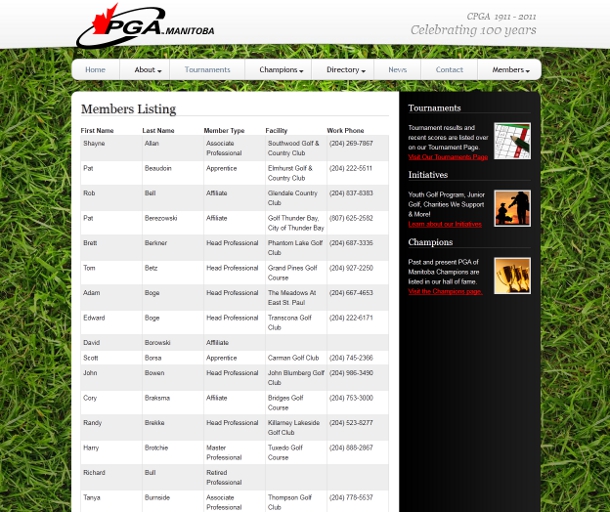
The Member directory listing uses a tabular layout, and the rows are alternating in color for making it easy to read a single row. The columns are separated with a border which makes it easy to read down a single column.

Designer:
Chris Savoie
Project URL:
http://www.pgaofmanitoba.com/home